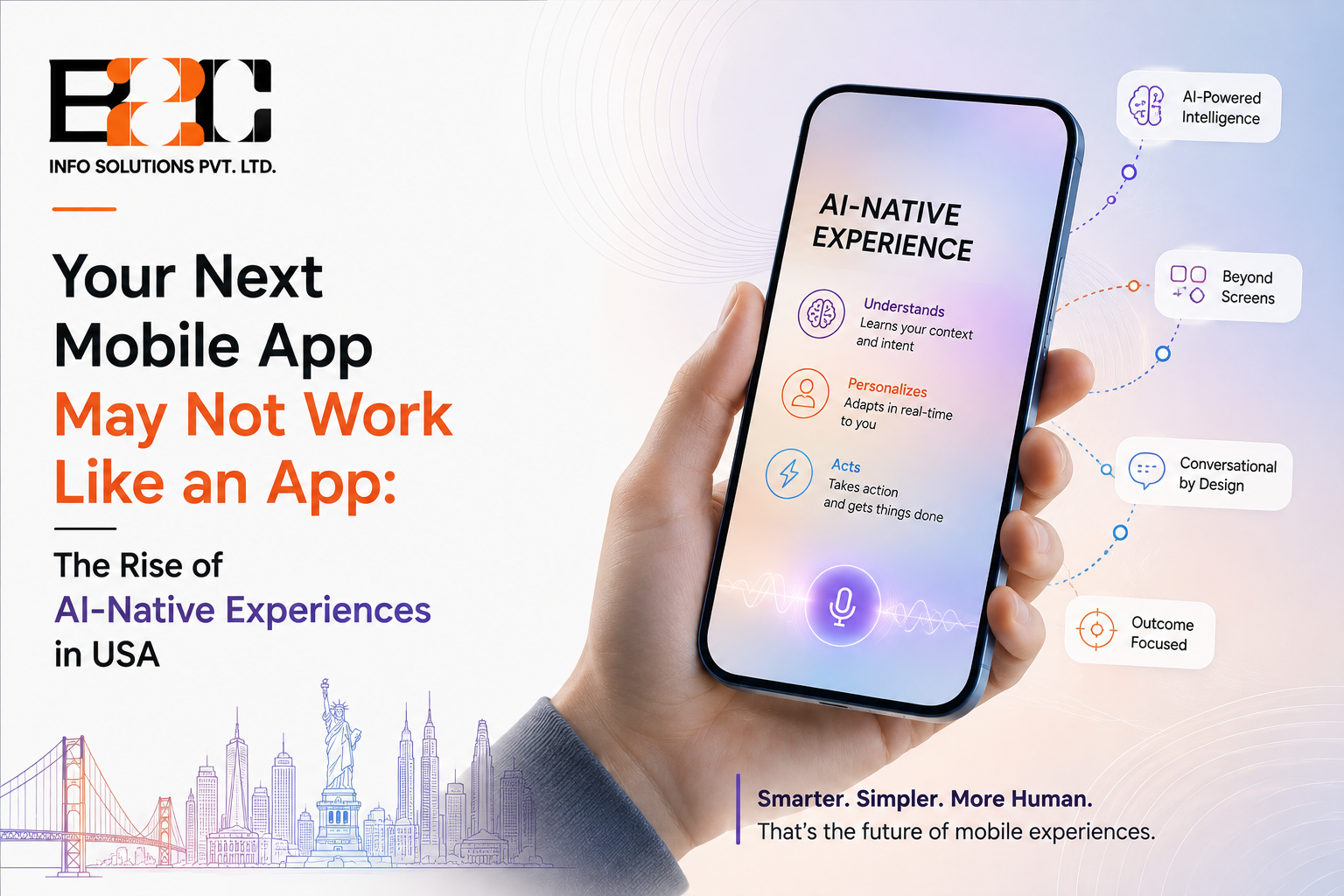
Open almost any app built five years ago and you will recognise the pattern immediately: a home screen, a menu, a set of buttons that do exactly what they say and nothing more. Some newer apps no longer rely entirely on users navigating through fixed screens. They can use signals such as previous behaviour, context and preferences to anticipate what a person may need next. This is the idea behind an AI-native app, and it is quietly changing what businesses expect from an app development company in the USA. In this article, AI-native refers to an application designed around AI capabilities from the beginning, rather than one where AI is added as a standalone feature later. The change is not cosmetic. It affects how an app is planned, built and maintained from the very first sketch.
This article looks at what AI-native actually means, why traditional app design does not always address increasingly adaptive user experiences, and what it takes for a US business to build something genuinely built around intelligence rather than one that simply has a chatbot bolted on.
An AI-enabled app is a familiar product with an AI feature added somewhere inside it, often a chat window or a recommendation carousel sitting beside a screen that was designed years before AI was part of the plan. An AI-native app is different in a structural sense. The intelligence sits underneath the interface rather than beside it, shaping what the user sees, in what order, and how the app responds as behaviour changes over time. The distinction is not about how much AI is present. It is about when AI entered the design process, at the start or as an afterthought.
A feature that is added later usually has to work within the limits of an existing structure, which is why many AI additions feel like a widget rather than something the app was actually built for. When intelligence is part of the foundation, the same team can rethink navigation, onboarding and content around what the app already knows about a person, rather than treating that knowledge as a side panel. That difference can influence engagement and retention when the added intelligence genuinely improves the user experience.
Most apps still rely on a fixed information architecture: the same tabs, the same order, the same options for every user on every visit. That structure works well when the goal is consistency, but it struggles when different users want very different things from the same product. A fitness app used by a beginner and a competitive athlete, for example, has little reason to show identical dashboards, yet many apps still do exactly that because the interface was never designed to change.
Traditional app design asks what features a product needs. AI-native design asks how the product should behave for a specific person in a specific moment. That is a meaningful shift in thinking, not just in technology. It moves the conversation away from a static list of screens and toward a set of decisions the app makes continuously, based on signals such as usage patterns, permitted location data, time of day and prior choices.
More mobile AI features can now run directly on the phone rather than on a distant server. Running smaller models on-device reduces the delay between an action and a response, can reduce the need to send certain data to a remote server depending on how the feature is implemented, and allows some features to keep working even with a weak connection. It is not a replacement for cloud-based AI in every case, but it has become a practical option for tasks such as text prediction, image recognition and basic personalisation.
Generative AI is increasingly used for more than writing captions or answering questions inside an app. In some products it is also used to help select, personalise or, in more experimental cases, generate parts of the interface itself, adjusting layout, content and suggested actions based on what a specific user is likely to need. Personalising an existing set of screens and generating new interface elements with AI are related ideas, but they are not the same thing, and most apps today lean much more heavily on the former.
Some emerging AI-driven interfaces can assemble a version of a screen or workflow dynamically, drawing from a library of components and deciding, in real time, which ones are most relevant for a given session. This remains an emerging design pattern rather than a widespread standard. The underlying screens still exist in most implementations, but the order and combination in which a person sees them is no longer entirely fixed in advance.
The most advanced layer of this shift involves apps that act on a person's behalf rather than only responding to direct input, sometimes called agentic behaviour. Instead of a user manually completing a multi-step task, the app interprets a goal, breaks it into smaller actions and carries several of them out with limited supervision. This is still an emerging capability. In production, a cautious approach is to use agentic behaviour selectively for well-defined tasks rather than handing over full control, which is a sensible starting point given how new the pattern still is. Businesses exploring this shift often work with an AI development partner in the USA that has direct experience separating tasks that are safe to automate from those that still need a human decision.
A well-designed AI-native product still uses conventional, deterministic interfaces where they provide the clearest and most reliable experience. A settings screen, a payment confirmation or a legal disclosure generally works better as a plain, predictable element than as something generated or rearranged on the fly. The goal of an AI-native approach is to apply intelligence where it improves a decision, workflow or interaction, not to replace predictable UI elements simply because the technology is available.
Beneath the interface, an AI-native app typically follows a layered structure rather than a single block of code. A user interaction is first handled by the application logic, which decides whether it needs input from an AI or model layer. That layer, often built on a foundation model accessed through an API, may draw on a data and retrieval layer, such as a vector database, to bring in relevant information before generating a response. Depending on the task, the system may also call external tools or APIs, a pattern often referred to as tool calling, and route requests to different models depending on cost, speed or complexity.
This structure only holds up in production with an evaluation and monitoring layer sitting alongside it. Telemetry, evaluation datasets and guardrails are used to check that the AI layer is behaving as expected, catch cases where it is not, and feed that information back into future improvements. None of this needs to be visible to the end user, but it is usually what separates a reliable AI-native product from an early prototype.
Retail, healthcare scheduling, fintech and education are examples of areas where adaptive AI experiences can have practical applications, largely because these industries often have rich interaction data and workflows where more timely personalisation or automation can create value. A retail app that adjusts its layout based on browsing history, or a scheduling tool that predicts the best appointment slot for a patient, are both practical examples rather than distant possibilities.
Building this kind of app requires a different mix of skills than a conventional build. Alongside standard mobile engineering, a team needs experience with machine learning pipelines, data governance and the kind of iterative testing that AI features demand, since model behaviour needs to be monitored and adjusted after launch rather than left alone once the app ships. A mobile app development team in the USA that has already shipped AI-native products can offer a clearer view of which parts of an idea are realistic within a given budget and timeline, and which need to be phased in later.
AI-native features depend on data, which raises the stakes around how that data is collected, stored and used. US businesses need to assess applicable federal, state and sector-specific privacy requirements, be transparent with users about what is being tracked, and build in ways for people to opt out of personalisation without losing access to the core product. Businesses should also consider data minimisation, retention periods, access controls, and whether users can understand or control how their data shapes personalisation. Privacy considerations should be part of the initial design conversation, not a compliance step added before launch.
An AI-native build is not automatically more expensive than a traditional app, but the cost structure looks different, and in some cases adaptive interfaces can add engineering complexity rather than reduce it. The engineering effort may shift away from purely static screens toward data pipelines, model integration, evaluation and ongoing monitoring. Businesses should expect an AI-native product to keep evolving after launch, since the value of these apps can come from how their personalisation, workflows and models are refined using appropriate production feedback and evaluation, rather than from a single finished version.
Some of the apps being built today are experimenting with a different model of interaction, where intelligence is treated as part of the product foundation rather than an add-on. For a US business weighing whether to build this way now or wait, a lower-risk approach is usually to start with a smaller, well-scoped AI-native feature and expand it based on real usage rather than attempting a full rebuild in one step. If you are planning a new app or reconsidering an existing one, you can contact us to talk through what an AI-native approach would actually look like for your product.
An AI-integrated app adds an AI feature to an existing structure, such as a chatbot placed inside an app that was designed without one. An AI-native app is planned around AI from the start, so the interface, data flow and user journey are all shaped by what the AI can do rather than fitted around it afterward.
Not necessarily. The right approach depends on the product, the industry and how much value personalisation or automation would realistically add for the specific users involved. Some products benefit significantly from AI-native design, while others work perfectly well with a more traditional structure and a few targeted AI features.
Costs vary widely depending on scope, data requirements and the complexity of the AI features involved, so there is no fixed multiplier that applies to every project. A useful starting point is a scoping conversation that separates must-have AI capabilities from ones that can be added in a later phase.
On-device AI can reduce certain privacy risks by keeping some data on the user's phone rather than sending it to a server, but it is not automatically safer in every scenario. The right balance between on-device and cloud-based processing depends on the type of data involved and the specific feature being built.
A reasonable starting signal is whether your business already collects behavioural or usage data that could meaningfully improve the app experience if used well. Having data alone is not enough. If your business has a clear user problem, relevant data that can be used responsibly, and a realistic opportunity for AI to improve personalisation or automation without disproportionate cost or privacy risk, an AI-native approach may be worth exploring, ideally starting with a focused feature rather than a full rebuild.

 4 North
  52 Cornmarket
  C-25, C Block, 91springboard
 #02 - 161 IMM Building