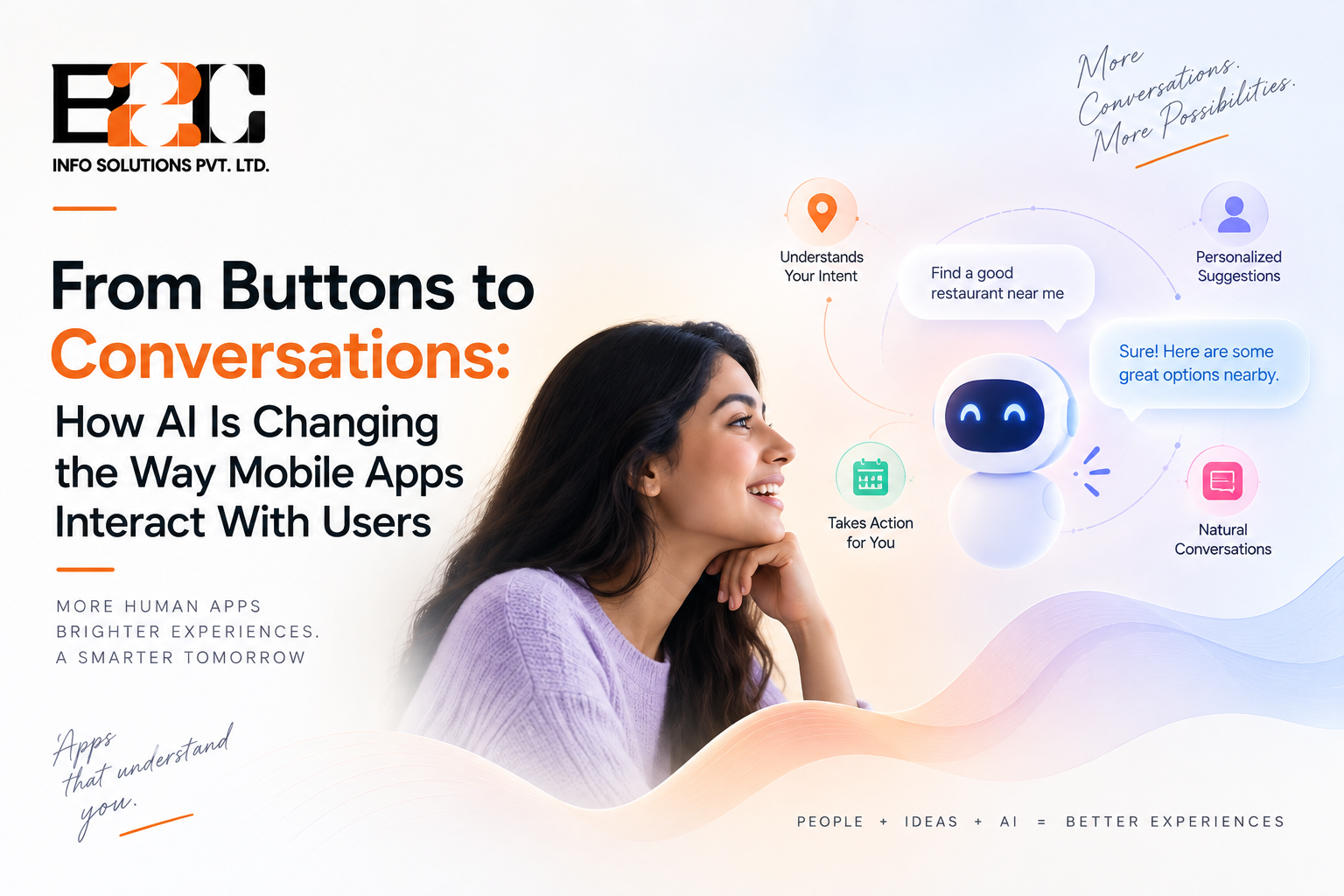
Mobile apps used to speak one language: tap here, scroll there, fill in this field, then wait for the next screen to load. That language is changing quickly. Instead of hunting through menus, a growing number of users now simply describe what they want in plain words, and the app works out the rest. This shift is reshaping how a mobile app development company in the USA approaches a new project, because the interface is no longer limited to a set of screens and can increasingly support ongoing interaction between the user and the product.
For most of the smartphone era, app design meant designing menus. Every action needed a labeled button, every screen needed a clear hierarchy of options, and users learned to navigate by memorizing where things lived inside an app. Large language models are changing that assumption, since they can interpret an open-ended request, such as asking an app to reschedule a delivery or find a cheaper option next week, without the user needing to know which screen holds that setting. The interface stops being a map the user has to learn and starts behaving more like a person who already understands the request.
In practice, conversational interaction inside apps rarely replaces every screen. Many products now blend a chat style input box with the existing visual interface, so a user can either tap through familiar screens or type or speak a request and land on the same result faster. Customer support, in-app search, onboarding and account management are among the areas where this blended approach has spread fastest, since these are also the areas where users most often got stuck inside traditional menu structures.
The core technology behind this change is the same family of large language models that power general purpose chat assistants, adapted to work inside a specific app with access to that app's own data and actions. Instead of only answering questions, these models are increasingly connected to real functions inside the app, letting a user's request actually update a booking, adjust a setting or pull up a specific record rather than just describing how to do it manually.
A parallel development is the move toward running smaller AI models directly on the phone rather than sending every request to a remote server. On-device processing can reduce network dependency and latency for supported workloads, while also allowing some data to be processed locally rather than transmitted to a remote service. Apple and Google have both introduced on-device AI capabilities across their recent platforms, giving developers new options for running supported AI workloads locally, including frameworks such as Apple's Foundation Models and App Intents, and Android's AICore, Gemini Nano and ML Kit GenAI APIs. More app developers are now choosing to run at least part of their AI features locally rather than relying entirely on cloud-based models.
Running AI locally is not free of trade-offs. On-device models generally operate within tighter computing, memory and battery constraints than large cloud-based models, and not every phone in active use has hardware capable of running these models efficiently. Many apps now use a hybrid approach, handling simple requests on the device and sending more complex ones to the cloud, rather than committing fully to one approach or the other.
Conversational input is only one part of this shift. A related development is the use of adaptive and generative interfaces. Adaptive UI changes an existing interface based on user behaviour or context, while generative UI can dynamically create or assemble interface elements based on a user's request or situation. A returning user might see frequently used actions or relevant information surfaced based on their behaviour and context, while a first time user sees a simpler, more guided layout, without either of them being shown a version of the app designed for someone else's habits.
Users are also no longer limited to a single way of communicating with an app. Depending on the application and platform, voice, text, images and other inputs can be combined within the same AI-powered workflow, so a user might photograph a receipt, describe an expense out loud, and confirm the entry with a tap, all within a single flow. An AI development company in the USA building this kind of feature needs to design for these inputs working together, rather than treating each one as a separate, isolated feature.
For product teams, this shift changes an important part of the design process. Instead of mapping out every screen a user might click through, designers increasingly need to map out the range of things a user might want to accomplish and make sure the underlying system can recognise and act on those intents, regardless of how the request is phrased.
Behind a simple looking chat box, there is usually a fair amount of engineering work connecting a language model to the app's actual data, permissions and business logic, so the model can act safely rather than only producing plausible sounding text. This includes deciding what the AI is allowed to do on a user's behalf, what always requires explicit confirmation, and how errors are handled when the system misunderstands a request.
A conversational feature becomes noticeably more useful once it can remember relevant context from earlier in a session, or even across visits, rather than treating every message as a fresh start. Deciding how much context to retain, and for how long, involves genuine trade-offs between usefulness and the amount of personal data a business chooses to store.
Not every user wants to talk to an app, and not every request is handled correctly the first time. Apps that lean heavily on conversational AI generally still need a visible, reliable way to fall back to traditional navigation, along with clear signals when the AI is uncertain or when a request has been passed to a human. Being transparent about when a feature is AI generated, rather than presenting it as if a person produced it, has also become an increasingly common expectation among users and regulators alike.
Adding conversational or generative AI to an app is rarely a simple plug-in. It usually involves ongoing costs tied to model usage, ongoing testing to catch cases where the system misunderstands a request, and design work to make sure the experience still feels coherent when it falls back to a traditional interface. Businesses evaluating this kind of feature are better served treating it as a genuine product investment rather than a checkbox to add before launch.
Not typically. Most apps that add conversational features keep their existing visual interface in place and offer conversational input as an additional, often faster, way to reach the same result, rather than removing traditional navigation altogether.
Generative UI refers to interfaces or interface elements that an AI system dynamically creates or assembles based on a user's request, context or task. This differs from adaptive UI, which changes an existing interface based on predefined rules, user behaviour, or context.
It generally adds cost beyond a purely static interface, since it involves model integration, testing for edge cases, and ongoing usage costs, though the exact increase depends heavily on how deeply the feature is integrated into the app's core functions.
Some features powered by on-device models can work without an internet connection, depending on the device, model, operating system and implementation, while features that depend on larger cloud-based models generally need an active connection.
It usually comes down to whether users regularly struggle to find something inside the existing interface, or whether a task involves enough steps that a natural language shortcut would meaningfully save time, rather than adding a conversational layer purely because the technology is available.
The shift from buttons to conversation is less about replacing every screen with a chat window and more about giving users another, often faster, way to say what they want and have an app respond appropriately. Businesses that treat this as a genuine redesign of how intent gets captured and acted on, rather than a feature bolted onto an existing app, tend to get more lasting value from it. Teams weighing up where to start can get in touch with our team to talk through what a conversational or adaptive interface could look like for their specific product.

 4 North
  52 Cornmarket
  C-25, C Block, 91springboard
 #02 - 161 IMM Building